

The Simulator requires your partner API key. Paste the key you received when your partner account was created - it’s held in memory for the session only and is never stored or sent anywhere but the Melio API.
Connect your key
Open the Simulator and paste your sandbox partner API key, then choose Connect & open simulator. The key authenticates every call the Simulator makes on your behalf.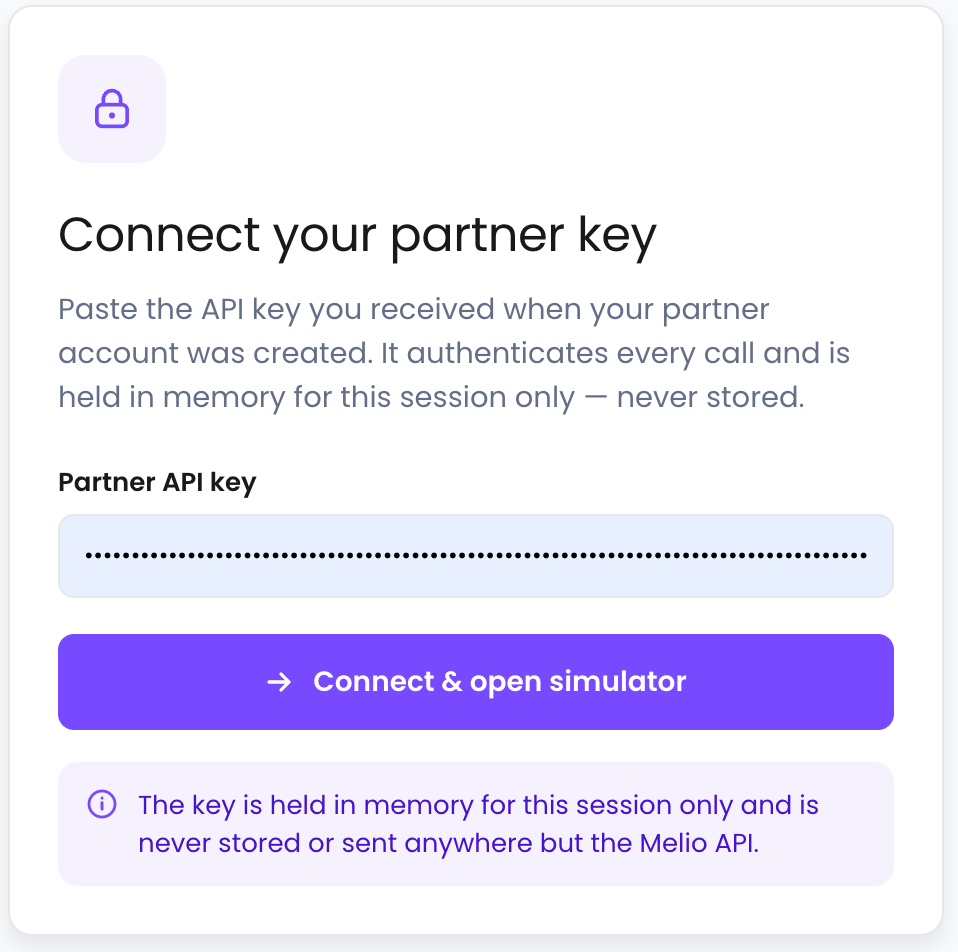
What you can do
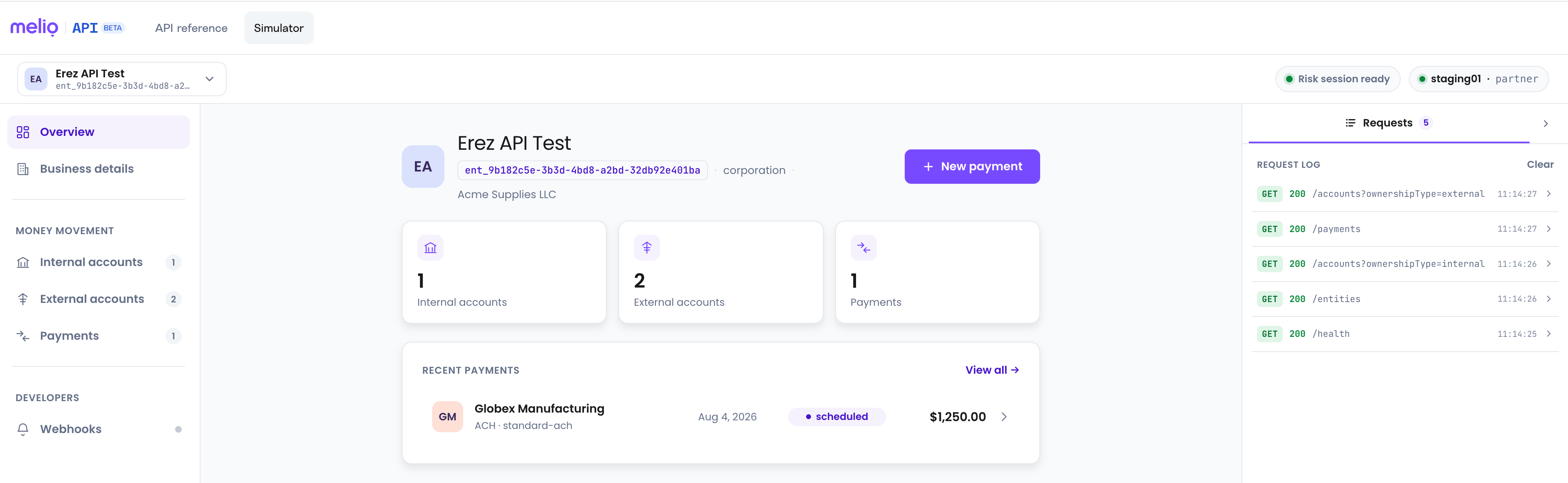
The Simulator gives you the entire flow through a full UI:- Create a business - onboard a payer as a legal entity (name, business type, tax info, address, and contact).
- Add internal accounts - the sources money is pulled from, via raw ACH (account and routing number), Plaid, or a tokenized card.
- Add external accounts - the delivery methods that define how vendors get paid.
- Submit payments - create a payment and follow it through its lifecycle.
- Webhooks - review the events your integration would receive.
See every request and response
Alongside the UI, a live request log shows every API call the Simulator makes - the method, path, and status code. Expand any entry to see the full request and the JSON response Melio returned. This makes the Simulator a great way to learn the shape of the API: take an action in the UI, then read exactly which endpoints were called and what came back.Create real payments in sandbox
Everything in the Simulator runs against the sandbox environment, so you can create payments end to end without moving real money. It’s a safe place to try flows, trigger risk controls, and confirm your understanding before you build.Payments created in the Simulator are test payments on sandbox - no real funds move.
Getting Started
Apply for beta access and get the API key you’ll use here.
API Reference
The full endpoint reference behind everything the Simulator does.